WondayWall
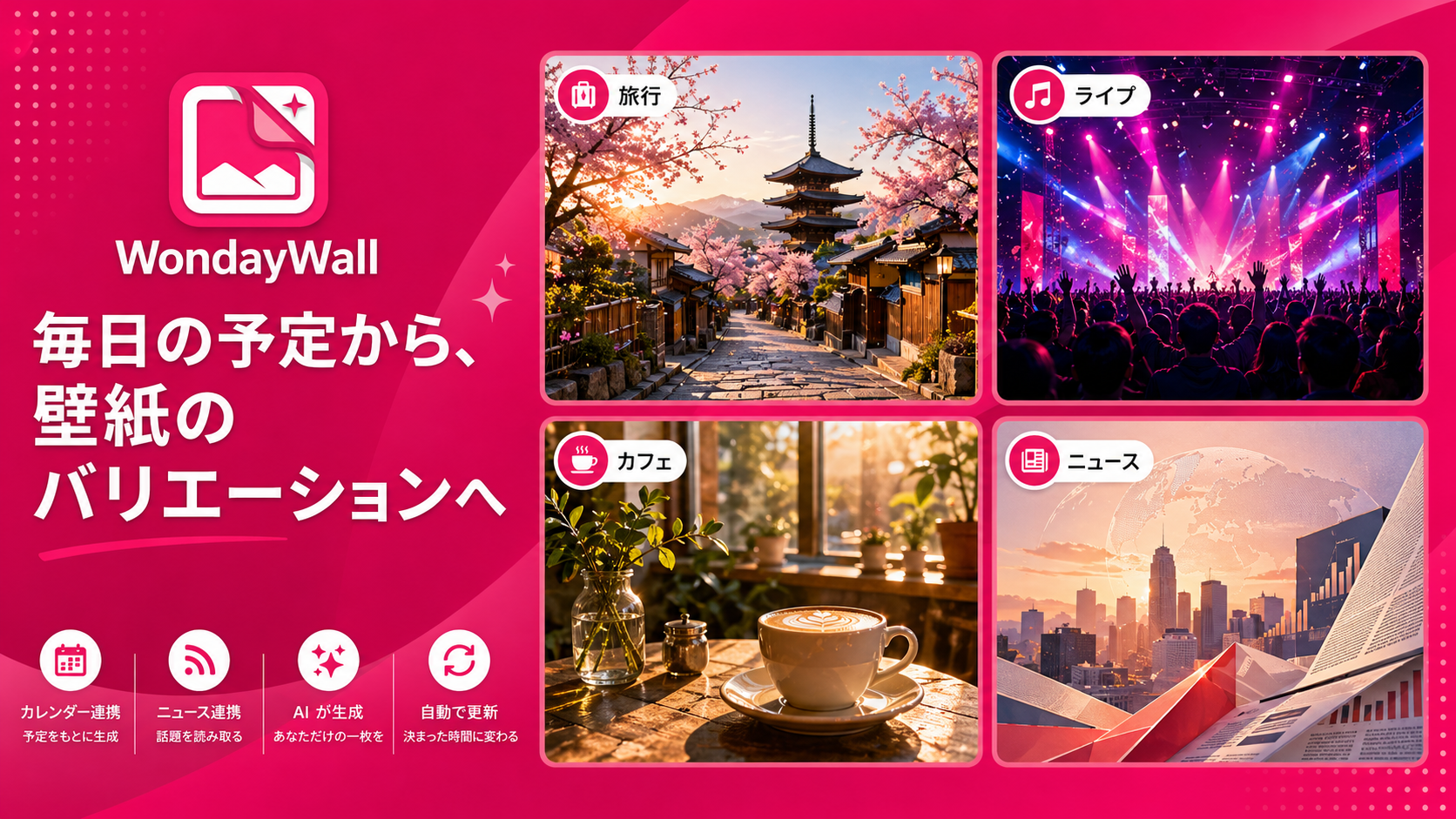
A personal wallpaper app for Windows, iOS, and Android that generates wallpaper images from your schedule, news, and interests.
WondayWall uses the Gemini API to generate wallpaper candidates that reflect your day. On Windows and Android, it applies generated images as wallpapers within the capabilities allowed by each OS. On iOS, it saves images to Photos, opens sharing, and shows wallpaper setup steps so the user can set the wallpaper manually.
Screenshots
The following screenshots show the Windows app.
Platform Status
| OS | Support |
|---|---|
| Windows | Desktop app with GUI and CLI, including scheduled generation through Task Scheduler |
| iOS | iPhone app. Because iOS does not allow normal apps to change the wallpaper directly, the app supports Photos saving, sharing, and setup guidance |
| Android | Android app with home screen wallpaper application |
Requirements
| OS | Requirements |
|---|---|
| Windows | Windows 10 / 11, .NET 10 Runtime, Google AI API key, Google Calendar integration |
| iOS | iOS 17.0 or later, Google AI API key, Calendar, Photos, and notification permissions |
| Android | Android 8.0 or later, Google AI API key, calendar, notification, and wallpaper permissions |
Setup
Windows
- Download
WondayWall-(version).msifrom the releases page - Run the downloaded MSI and follow the installer prompts
- Launch the installed WondayWall app to open the setup screen
- Configure your Google AI API key
- Authorize Google Calendar
- Register your interest keywords and RSS feed URLs
- Use "Generate now" to verify that wallpaper generation works
For scheduled updates, select the update frequency in the app settings and register the following command in Windows Task Scheduler.
WondayWall.exe run-once
iOS
- Launch the app and configure your Google AI API key
- Allow access to iOS Calendar and select the calendars to use
- Register your interest keywords and RSS feed URLs
- Grant Photos and notification permissions if you use those features
- Use "Generate now" to create a wallpaper candidate
On iOS, normal apps cannot directly change the home screen or lock screen wallpaper. WondayWall saves generated images to Photos and lets you use sharing or the in-app setup guidance to set the wallpaper manually.
Android
- Launch the app and configure your Google AI API key
- Allow read access to the device calendar and select the calendars to use
- Register your interest keywords and RSS feed URLs
- Grant notification and gallery-saving permissions as needed
- Use "Generate now" to generate a wallpaper and apply it to the home screen
Features
| Feature | Windows | iOS | Android |
|---|---|---|---|
| Gemini wallpaper generation | Supported | Supported | Supported |
| Manual generation | Immediate generation from the GUI | Immediate generation from the app | Immediate generation from the app |
| Scheduled generation | Supported | Supported | Supported |
| Calendar source | Google Calendar | Calendar | Calendar |
| RSS news | Supported | Supported | Supported |
| Wallpaper application | Desktop wallpaper, and lock screen when enabled | Direct application is not available. Photos saving, sharing, and setup guidance are provided | Home screen, and lock screen as an additional target when enabled |
| Generation history | Supported | Supported | Supported |
| CLI | run-once / generate / check-* |
Not supported | Not supported |
CLI Commands (Windows)
WondayWall.exe run-once          # Generate once only if the current scheduled slot has not been processed
WondayWall.exe generate          # Generate immediately
WondayWall.exe check-calendar    # Check Google Calendar access
WondayWall.exe check-news        # Check news feed access
WondayWall.exe check-google-ai   # Check Gemini API access
Stored Data
Settings, generation history, generated images, and calendar integration credentials are saved in a secure local storage area on each platform.
- API Key: Encrypted and stored securely using platform-native security APIs (Windows Credential Manager, iOS Keychain, or Android encrypted DataStore equivalents).
- Photos Library: On mobile operating systems (iOS/Android), you can enable automatic saving of generated wallpapers to your device's Photos library or Gallery.
Schedule
All platforms share the same automatic update frequency options (Once a Week / Twice a Week / Three Times a Week / Once a Day / Three Times a Day).
- Note: Background execution on mobile operating systems (iOS/Android) is subject to OS limitations, so exact execution times are not guaranteed. Any missed runs will be processed upon app launch or returning to the foreground.
Development
git clone https://github.com/Freeesia/WondayWall.git
cd WondayWall/WondayWall
dotnet build
See the platform-specific documents for details.